Step 1
Open the official itch.io page first.
Start by opening Trees hate you game on itch.io. That is the official download page for the current demo, and it is the right place to grab the Windows build instead of hunting through mirror sites or random reposts.
As of April 18, 2026, the itch.io page lists Trees Hate You as available for HTML5 and Windows. If the browser version has been stuttering for you, the local PC build is the cleaner option because you are no longer relying on an embedded web player.
Step 2
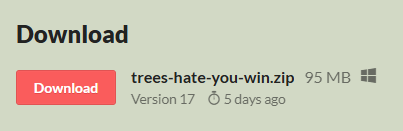
Click the Download button on the itch.io page.
Once you are on the official page, scroll to the Download section and click the download button. This is the point where the page switches from "play in browser" to "save the PC build locally."
If you are the kind of player who likes smoother startup, fewer browser hiccups, and the comfort of having the build on your machine, this is the step that matters. After you click download, your browser should begin saving the Windows zip file.
Step 3
Find the zip file in your browser downloads or Downloads folder.
After the download finishes, open your browser's download list or go straight to your local `Downloads` folder in Windows. On the current itch.io page, the Windows archive is shown as `trees-hate-you-win.zip`.
If you download a lot of files, it is worth checking the filename carefully instead of blindly opening the latest zip in the folder. Once you spot `trees-hate-you-win.zip`, you are one step away from running the game locally.
Step 4
Extract the zip and launch Trees Hate You.exe.
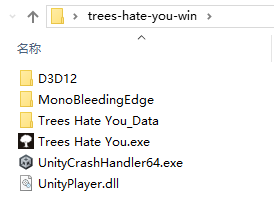
Right-click the zip file and extract it with Windows' built-in unzip tool or whatever archive app you normally use. Once the files are unpacked, open the extracted folder and look for `Trees Hate You.exe`.
That executable is the one you want. Double-click it, give Windows a second to load the game, and you should be in. If SmartScreen or a security prompt shows up, read it normally and decide based on your comfort level with the official source you just downloaded from.
Step 5
Start playing and let the forest ruin your confidence.
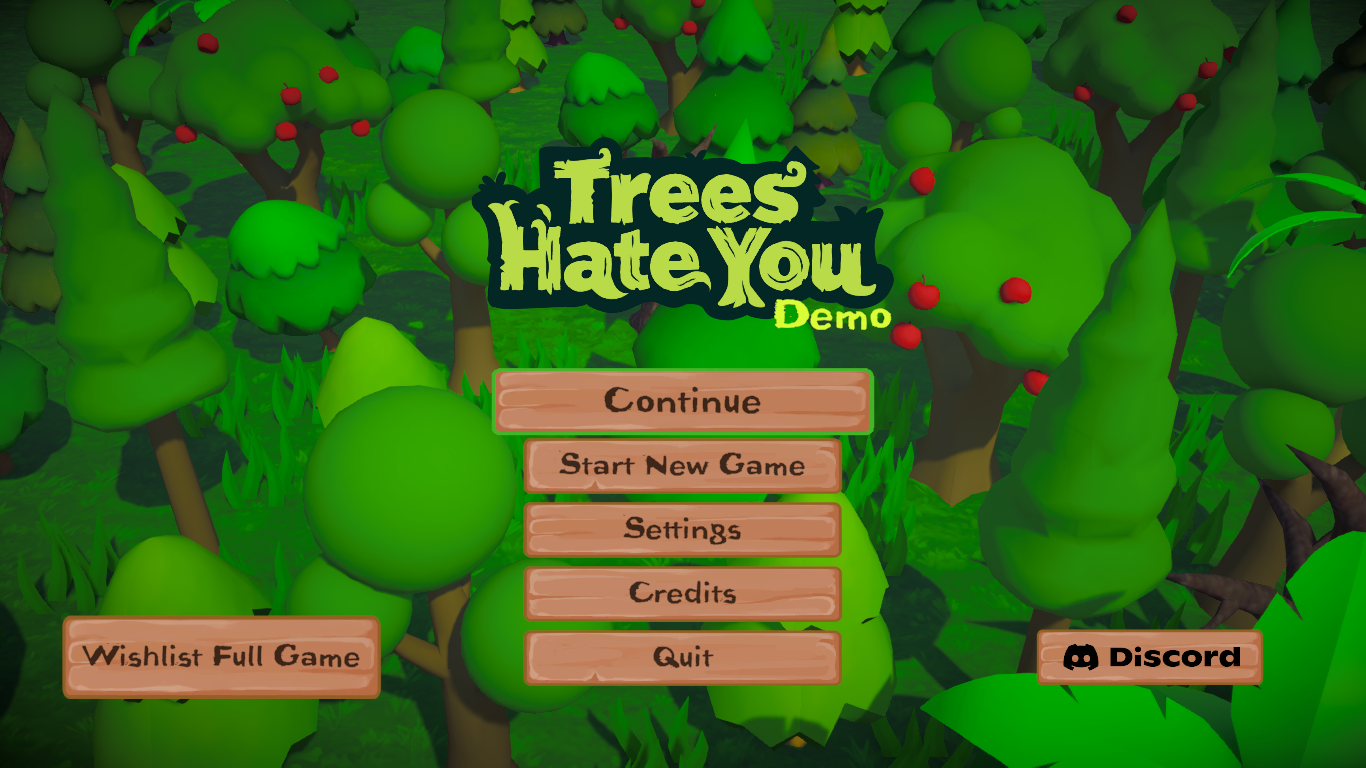
That is it. Once the executable opens, you are ready to start walking, second guessing every path, and finding out exactly how petty this forest can be. The whole charm of Trees Hate You is that it looks simple right up until the level turns your common sense into the punchline.
If you ever want the faster no-download option again, you can always come back and play Trees hate you game online. If you prefer the local version, though, the PC build is the clean way to keep playing without relying on the browser.
Veteran gamer and senior games editor who spends his time across indie demos, mainstream releases, and challenge games, then turns that playtime into useful guides and honest recommendations for other players.